NOVEMBER 25, 2026
Instagram Just Fixed the Leak in Your Funnel — If Your Reels Use the Right Audio
Every artist knows the leak. A fan hears your song in a Reel, loves it in the moment, keeps scrolling — and by the time they think about it again, the song is gone. They never saved it. They never looked it up. They liked the Reel, and the record disappeared into the feed. That leak has been eating independent artists alive for years, and Instagram just quietly fixed it — if your Reels are set up right.
📱 What Changed: A Save Button Where There Wasn't One
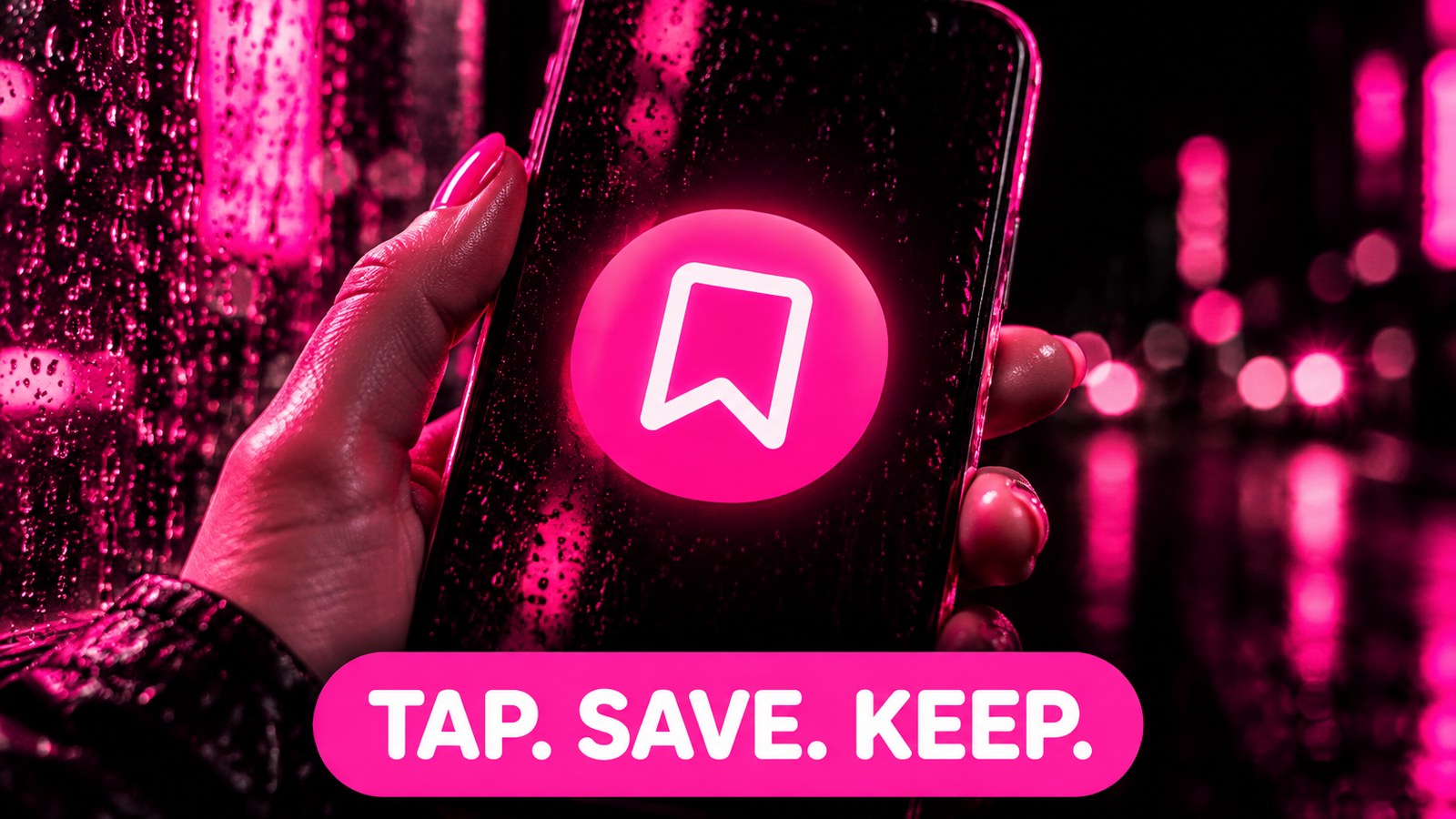
Instagram has added an "Add to Apple Music" button. Here's how it works: a fan taps the song name on a post, a Reel, or a Story, links their Apple Music account, and the track lands in an auto-created playlist called "Instagram Songs" in the Library of their Apple Music app. One tap on the song title, and your record goes from a fifteen-second moment in the feed to a saved track in their library.
Before this, there was no save path at all on the Apple side. Fans could share Apple Music songs to Stories and DMs — but sharing isn't saving. A share is a message to somebody else. A save is a record kept for yourself, in the place where you actually listen to music. There was no bridge between hearing your song on Instagram and owning it in a library. So the fan who heard your record in a Reel usually forgot it after the scroll — not because they didn't like it, but because Instagram never gave them a way to keep it.
Spotify has had the equivalent save — straight to Liked Songs — since 2024. Apple Music fans were the ones left out. Now they're not. And that matters, because every fan who saves your song is a fan who can hear it again tomorrow, next week, next month — without the algorithm having to show it to them a second time. The save is where repeat listens happen. Repeat listens are where a fan becomes a fan.
A note on timing: this rolled out quietly sometime in the week or two before November 18, 2026. Neither Apple nor Meta has formally announced it, and the rollout appears to be staged by account and region — so some of your fans will see the button already and some won't yet. Don't wait for an announcement. Check it yourself, and tell your fans to check it too.
Sources: TechBriefly, Nov 19, 2026 (https://techbriefly.com/2026/11/19/instagram-adds-apple-music-song-saving-feature/); MacRumors, Nov 18, 2026.
✅ Step 1: Make Sure Your Reels Use Your OFFICIAL Release Audio
This is the step that decides whether the button appears at all — and it's the one most artists will get wrong.
The save only works when the Reel uses your official release audio — the actual distributed track, the one tied to your release. If your Reel uses an original-audio upload, or an unlicensed remix, the button won't appear, because there's nothing official to save. Original creator audio and unlicensed remixes can't be saved. The fan can tap all day and nothing will happen.
So audit your Reels this week. Go through the ones carrying your songs and check the audio credit at the bottom. Does it show your official track — your song title, your artist name, the real release? Or does it say "original audio," or show some re-upload with a different name on it? Every Reel running on original audio or a remix is a Reel where a fan hears your song and can't save it. That's the leak, still open, on your own page.
The fix is simple: going forward, post your Reels using the official audio from your release. And for the Reels that are already performing — the ones with real views — consider reposting them with the official audio attached. The views you already earned taught you which clip works. Now give that clip a save button.
📣 Step 2: Tell Your Fans to Tap the Song Title
A button nobody knows about is a button nobody presses. Instagram didn't announce this with fanfare, and your fans don't read tech news. They will not discover the save button on their own. You have to tell them — on camera, or in the caption, in plain words.
Say it the way you'd say it to a friend: "If you like this song, tap the song title right here and save it to your Apple Music. It goes straight into your library." Say it in the Reel itself, while the song is playing, while they're feeling it. Say it in the caption for the fans who read. Say it once, clearly, and then stop — you don't need to beg, you need to point. The fans who want the song will do the rest.
This is the part that costs you nothing and changes everything about the Reel's job. Before, a Reel's job was to be watched. Now a Reel's job is to be watched and saved. The save is the moment a scroll becomes a listener. Tell them it's there.
🔁 Step 3: The Save Is Where the Real Listening Starts
Here's what the save actually buys you. When a fan saves your song to their "Instagram Songs" playlist, it sits in their Library — the place they go when they open Apple Music to listen, not to scroll. That's where repeat listens happen. A song in a feed gets heard once. A song in a Library gets heard on the drive, in the gym, on the late-night replay — the listens that turn a first impression into a favorite.
And favorites are what the whole game is. A fan with your song in their Library is a fan the algorithm doesn't have to reintroduce to you. A fan with your song in their Library is a fan who might buy the next record, come to the next show, tell a friend. The save is small. The compound is not.
So the loop is simple: official audio on the Reel, a clear ask to tap and save, and a song that earns its place in somebody's Library. That's a funnel with the leak closed — from a fifteen-second moment to a saved track to a repeat listener, without the fan ever having to leave Instagram to find you.
⚠️ One Honest Caveat
This is rolling out in stages, by account and region, and neither Apple nor Meta has formally announced it. So if you check today and the button isn't there yet, that doesn't mean it's not coming — and it doesn't mean your Reels are set up wrong. Check the audio first, because that's the part you control. The rollout is the part you wait on. Set the Reels up right now, so the day the button lands on your fans' accounts, every song they hear from you is ready to be saved.
Final Takeaway: Instagram finally built the bridge between hearing your song and keeping it — a tap on the song title saves it to Apple Music. But the bridge only works on official release audio, and only if you tell your fans it's there. Audit your Reels this week, post with the real track, and say the words out loud: tap the title, save the song. The leak is closed. Use it.
🎧 *Need this sound? This week's beats are live in the store → bububeats.com*
The 1,000-Fan Blueprint — free. You don't need a label to pick you: 1,000 true fans × $200 a year = $200,000. Get the math and the complete system.
Get the free Blueprint → https://stats.sender.net/forms/eVO34o/view
— BÜBU · If I can't do it, you don't need it · @bubutheproducer · bububeats.com